Understanding CVE-2026-109618 and CVE-2026-109619 through a practical website security example
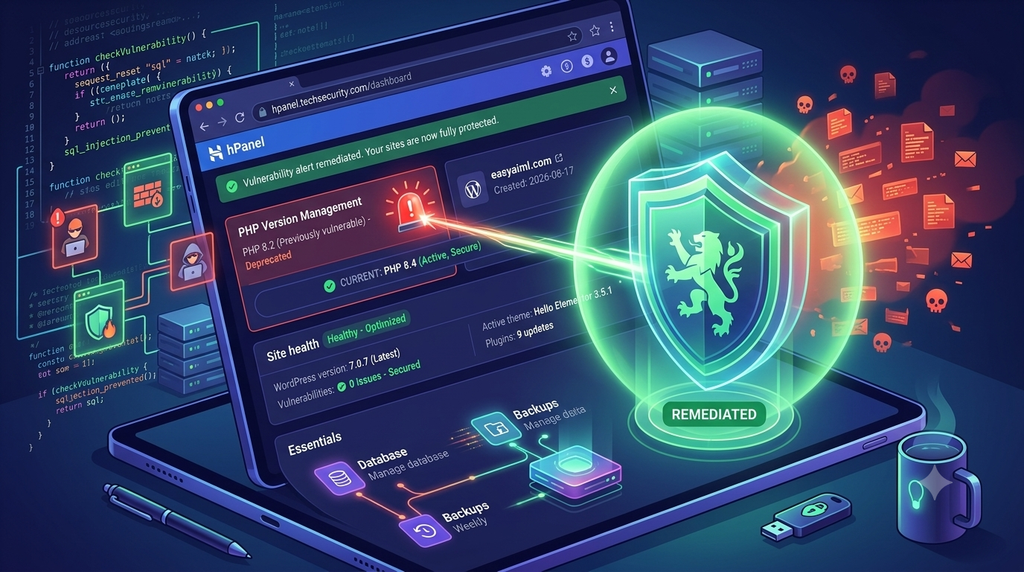
1. Introduction: Why should website owners care about PHP vulnerabilities?
Imagine waking up one morning to discover that your website has been redirected to a suspicious page, your blog contains hundreds of unexpected links, or your users can no longer access their accounts.
You might initially suspect a WordPress plugin, a weak password, or a hosting problem. But what if the underlying issue is the PHP runtime powering your website?
PHP is widely used to build dynamic websites and web applications. WordPress, for example, relies on PHP to process requests, retrieve content from databases, and generate pages for visitors. Many business applications also use PHP to handle customer information, bookings, payments, and other transactions.
This is why vulnerabilities in the PHP runtime deserve attention.
Two vulnerabilities, CVE-2026-109618 and CVE-2026-109619, concern dangerous memory-handling behaviour involving longjmp() and fatal or out-of-memory error handling.
In simple terms, these issues can leave application memory in an unsafe state when PHP encounters certain error conditions. Under the relevant conditions, a successful exploit could potentially allow an attacker to execute arbitrary code on the server.
Remote code execution (RCE) is particularly serious because it can allow an attacker to move beyond sending ordinary web requests and begin executing code within the privileges available to the compromised process.
The practical risk depends on factors such as the PHP version, whether the relevant code path is reachable, the hosting configuration, and the permissions available to PHP.
Rather than discussing these vulnerabilities only in theory, let me explain how I approached the issue using my own website, easyaiml.com.
2. My website: What could these vulnerabilities mean for EasyAIML?
EasyAIML is my AI/ML-focused blog, running on WordPress and hosted through Hostinger.
When I first checked the PHP version associated with my website, it showed PHP 8.3. I subsequently upgraded the PHP runtime, and WordPress Site Health reported PHP 8.5.12.
That prompted an important question:
If a vulnerability exists in the PHP runtime, what could an attacker potentially do to a website like mine?
It is important to clarify that discovering a vulnerable version does not mean a website has been compromised. These are potential consequences of successful exploitation, not evidence that an attack has occurred.
Potential impact on EasyAIML
1. Website defacement or unauthorised changes
If an attacker successfully exploits the PHP runtime, they may be able to modify files accessible to the PHP process, depending on the permissions and hosting isolation in place.
For my website, this could mean altered blog posts, modified WordPress files, unexpected administrator accounts, or malicious scripts inserted into pages.
2. SEO spam and loss of search visibility
An attacker might inject unwanted pages, hidden links, spam content, or redirects.
For a blog that depends on search traffic, this could damage its reputation, affect search visibility, and undermine the trust of readers who visit the site.
3. Exposure of sensitive information
The PHP process may have access to application configuration files, database credentials, API keys, or other secrets.
If an attacker gains sufficient access, those secrets could potentially be exposed and misused. The actual impact would depend on what the compromised process can read.
4. Risks to visitors
Malicious code inserted into a website could redirect visitors, display deceptive content, or attempt to exploit their browsers.
This means the consequences may extend beyond the website owner to the people who visit the site.
For a small website, the financial impact might include recovery costs, lost traffic, and reputational damage. For a business application, the consequences could be considerably more serious.
3. A generic business example: What if the website handles trip planning and bookings?
Now consider a more sophisticated PHP application.
Imagine a trip-planning website where users can:
- Create and save travel itineraries.
- Book taxis, hotels, and tour packages.
- Store customer profiles and contact details.
- Make payments through an integrated payment provider.
- View booking confirmations and transaction histories.
How might a successful server-side compromise affect such an application?
Customer data exposure
If the compromised PHP process can access customer records, an attacker might obtain personal information, saved itineraries, contact details, or other data stored by the application.
The consequences could include privacy violations, fraud attempts, and loss of customer trust.
Website and booking manipulation
Depending on the level of access obtained, an attacker might alter application files, modify displayed travel information, or interfere with booking workflows.
For example, a customer might see an incorrect booking status or misleading information about a reservation.
Whether an attacker could modify actual booking records would depend on the database permissions and application controls.
Payment and credential risks
A successful compromise could expose payment-integration credentials or other secrets accessible to the server.
If those credentials grant access to external services, an attacker might misuse them. The consequences depend on the permissions associated with each credential and the protections implemented by the payment provider.
Importantly, a PHP vulnerability does not automatically mean an attacker can bypass a payment provider’s security or directly obtain card details. Those outcomes depend on the application’s architecture and the payment flow.
Service disruption
Exploiting error-handling behaviour or executing malicious code could potentially disrupt application processes, consume server resources, or make parts of the website unavailable.
For a travel business, downtime could prevent customers from checking reservations or making new bookings.
This example illustrates an important principle: the impact of a runtime vulnerability depends not only on the vulnerability itself, but also on the data, permissions, integrations, and business processes surrounding the affected application.
4. Debugging: How can you check whether your website is affected?
As a website owner, you do not need to begin with complex penetration-testing tools. Start by identifying the PHP runtime serving your application and checking whether the relevant security fixes are present.
Step 1: Check the PHP version reported by WordPress
For a WordPress website:
- Log in to the WordPress administration dashboard.
- Navigate to Tools → Site Health.
- Open the Info tab.
- Expand the Server section.
- Locate the PHP version.
In my case, WordPress reported PHP 8.5.12 after the upgrade.
This check is useful because it reports the PHP version associated with the WordPress server environment. However, the version number alone is not always enough to establish the full security status of a hosted runtime.
Step 2: Check your hosting provider’s PHP configuration
If your website is hosted through Hostinger:
- Log in to the Hostinger control panel.
- Select the hosting account associated with your website.
- Locate the PHP configuration or PHP version settings.
- Confirm the selected version for the website.
Compare this with the PHP version reported by WordPress.
If the versions differ, ask your hosting provider which runtime actually serves public website requests. Different environments, such as command-line PHP and web-server PHP, may use different installations.
Step 3: Verify the specific CVE fixes
Do not rely exclusively on the major or minor version, such as PHP 8.3 or PHP 8.5.
Check the official PHP security advisories for CVE-2026-109618 and CVE-2026-109619. Identify the fixed releases and any applicable configuration guidance.
Also ask your hosting provider to confirm whether the fixes have been applied to the web-facing runtime.
Some hosting providers backport security fixes without changing the displayed upstream version string. Therefore, a version number by itself may not tell the complete story.
Step 4: Review WordPress and application security
PHP runtime security is only one layer of website security.
Also review:
- WordPress core updates.
- Plugin and theme updates.
- Administrator accounts and unexpected users.
- Unusual file changes or unfamiliar scripts.
- Unexpected redirects, spam pages, or suspicious search-engine listings.
- Hosting logs and security alerts, where available.
These checks can help identify warning signs, but they do not independently prove that a website is clean or compromised.
Important: Do not create a publicly accessible phpinfo() page simply to inspect PHP settings. Such a page can expose unnecessary information about your server configuration.
5. Corrective action: What should a website owner do?
1. Upgrade PHP: Check official advisories for fixed releases and upgrade via your host’s control panel. Backup first and test plugin compatibility.
2. Confirm host patch status: Ask your hosting provider if the active web runtime includes patches for both CVEs, as version strings may be backported without changing.
3. Update application stack: Keep WordPress core, themes, and plugins updated. Remember that WordPress updates do not patch the underlying PHP runtime.
4. Validate & secure: Test core site flows post-update, check admin accounts and hosting logs, enable 2FA, and rotate keys if exposure is suspected.
5. Practice defense-in-depth: Apply least-privilege database permissions, segregate payment processing, and limit server secrets to minimize damage if a breach occurs.
Disclaimer: This article is for educational purposes. Consult official PHP security advisories and your host for applicable fixes.